WhatsApp Business
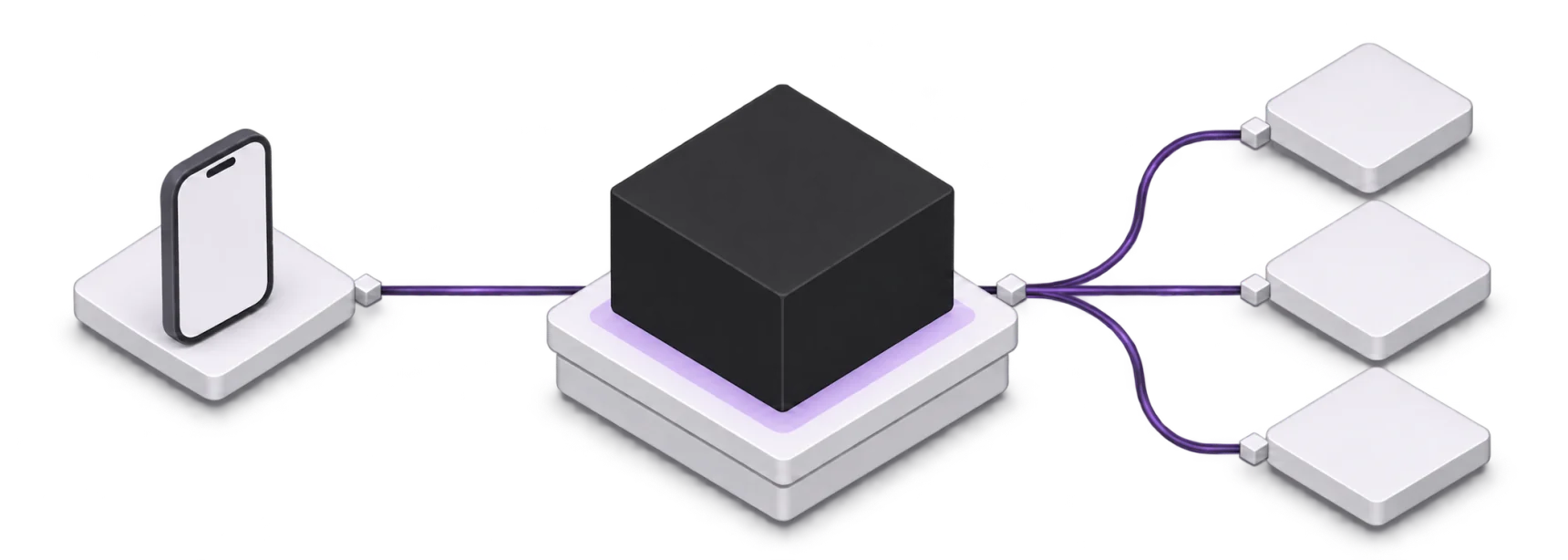
WhatsApp Business,managed for you. Give customers one number for sales, support and updates. Algorims connects your systems, builds your automations and sets up a shared inbox for your team.
Customer chats Algorims Retail workflows Reply in seconds with AI An AI agent answers common questions day and night, then hands over to your team when a person is needed.
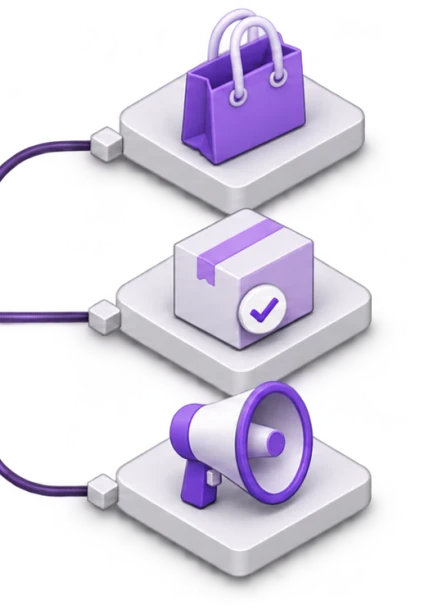
Send updates customers asked for Send approved reminders, order updates and promotions to customers who opted in.
Keep your existing number Use the number your customers already know. We check migration eligibility during the audit.
Choose an example workflow 10:04
Customer: Do you have the linen shirt in size M?
10:01 Business: Yes, medium is available in white and sage. Which colour would you like?
10:02 Customer: White, please.
10:03 Business: Here’s the white linen shirt in medium. You can order from the product page.
10:04
Algorims agent Identify the product The agent picks out the item and size from the question and uses them to look up the right variants.
Product catalogue Check available stock The connected catalogue returns the colours available in medium. The agent uses that result to answer in the same chat.
Algorims agent Send the exact product link When the shopper picks white, the agent shares the link for that variant so the shopper can go straight to the product page.
10:04
Customer: Can I change the address on order #4821?
10:01 Business: It’s already with the courier. I’ll pass this to our delivery team with your order details.
10:02 Business: Hi, I’m Priya from delivery. I’ll check whether the courier can reroute it.
10:03
Order system Find the order The agent uses the order number in the message to check its fulfilment status. The order has already left the warehouse.
Algorims agent Route the address change A dispatched order needs a courier check. The agent creates a handoff with the order number, its status and the customer’s request.
Shared inbox Let the delivery team take over Priya sees the conversation and order details in the shared inbox and replies in the same WhatsApp thread.
10:04
Business: A reminder that your appointment is tomorrow at 10 am. Please reply to confirm.
10:01 Customer: Confirmed, thank you.
10:02 Business: Thanks. We’ll see you tomorrow at 10 am.
10:03
Booking system Send a scheduled reminder The upcoming appointment triggers an approved reminder template for a customer who opted in to WhatsApp updates.
Algorims agent Match the confirmation The agent recognises the reply as a confirmation and matches it to the appointment that triggered the reminder.
Booking system Update the appointment The appointment is marked confirmed for staff to see, and the customer gets an acknowledgement in the same chat.
How it works
Audit. Setup. Go live. 01 Audit A free 15-minute call. We look at your chat volume, your current setup and the one workflow worth automating first.
02 Setup We handle Meta business verification, connect your WhatsApp Business number, get your message templates approved and build your flows.
03 Go live Your team starts replying from one inbox. We watch quality ratings and tune the AI agent in the first weeks.
Starter Small shops, clinics and F&B outlets
Quoted after your free audit
Book a free audit Growth Retail, education and real estate teams
Quoted after your free audit
Book a free audit Enterprise Multi-outlet and regulated brands
Quoted after your free audit
Book a free audit
Can you get us the green tick? We prepare and submit your verified badge (green tick) application and fix anything Meta flags. Meta alone decides who gets it, so no provider can guarantee it. Strong brand presence and press coverage help.
How do WhatsApp message fees work? Meta charges message fees directly to your account, based on the message type and your customer's country. Replies inside a customer's 24-hour service window are currently free. Our fees cover setup, software and support. See Meta's current rates .
Can we keep our existing number? In most cases, yes. We connect your current WhatsApp Business number to our managed service. Where Meta supports it, you can keep using the app on the same number. We confirm eligibility during the audit.
How long does setup take? Most businesses go live within 7 days. The main variable is Meta's business verification, which we start on day one; if your business is already verified, it is often faster.
We use the details you share only to respond to your enquiry and arrange your audit, in line with Singapore's Personal Data Protection Act (PDPA). See our privacy policy .
WhatsApp and Meta are trademarks of Meta Platforms, Inc. Algorims is a verified Meta Tech Provider.